NetMC handles the parts that usually stop people from hosting: Java, ports, versions, lag and backups.
Friends join with a real address.
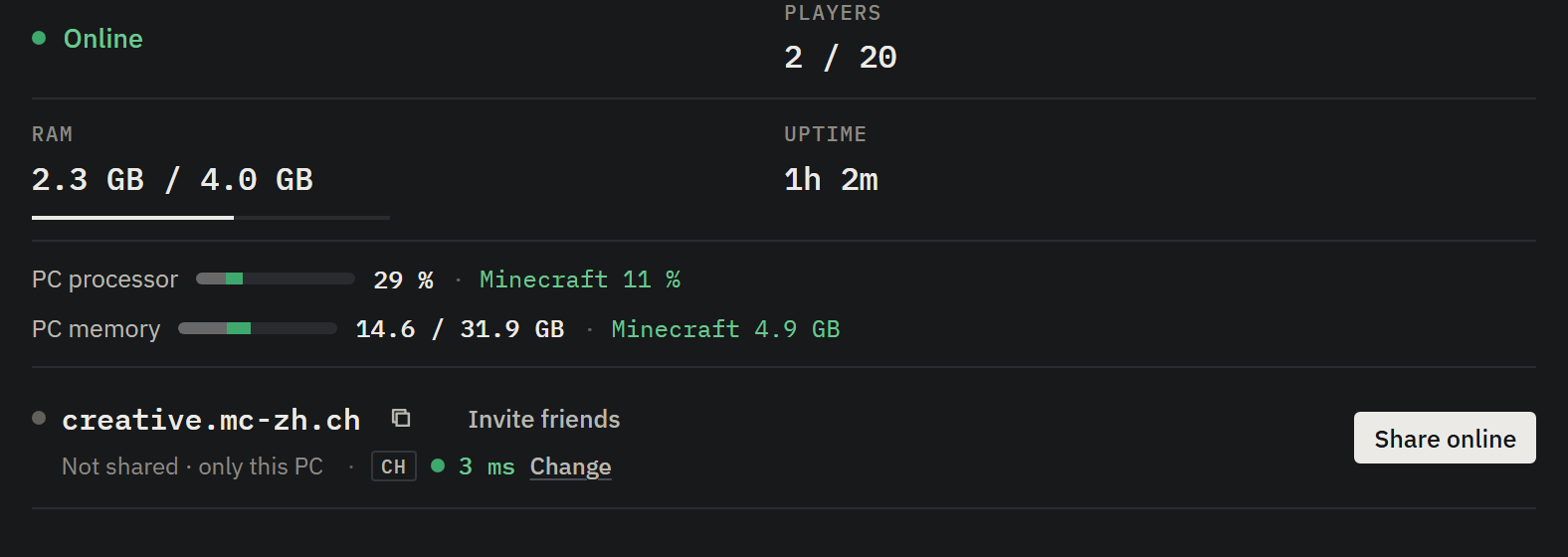
Press Share online and your server is reachable at a name like survival.netmc.org. NetMC connects out to a proxy, so you never open a port on your router and your home IP stays private.
Pick your own name with Pro and Ultra
Invite message with the address and the mods players need
Sleep mode: wakes up when someone joins
Know exactly why it lags.
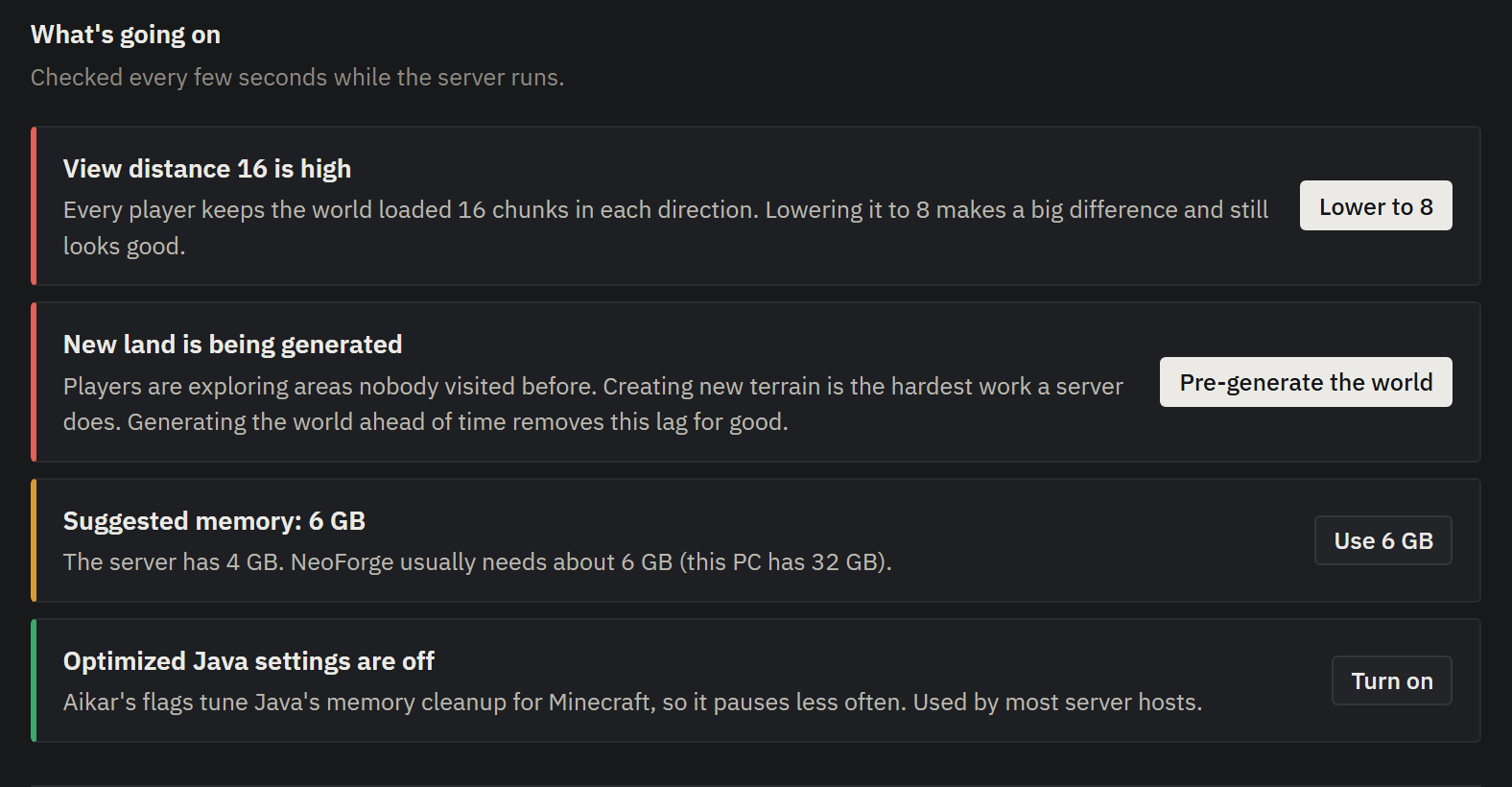
NetMC watches tick speed, processor and memory while the server runs, names the cause in plain words and fixes most of it with one click.
Lower the view distance, add memory, tune Java
Pre-generate the world so exploring never lags
Crash helper explains why a server stopped
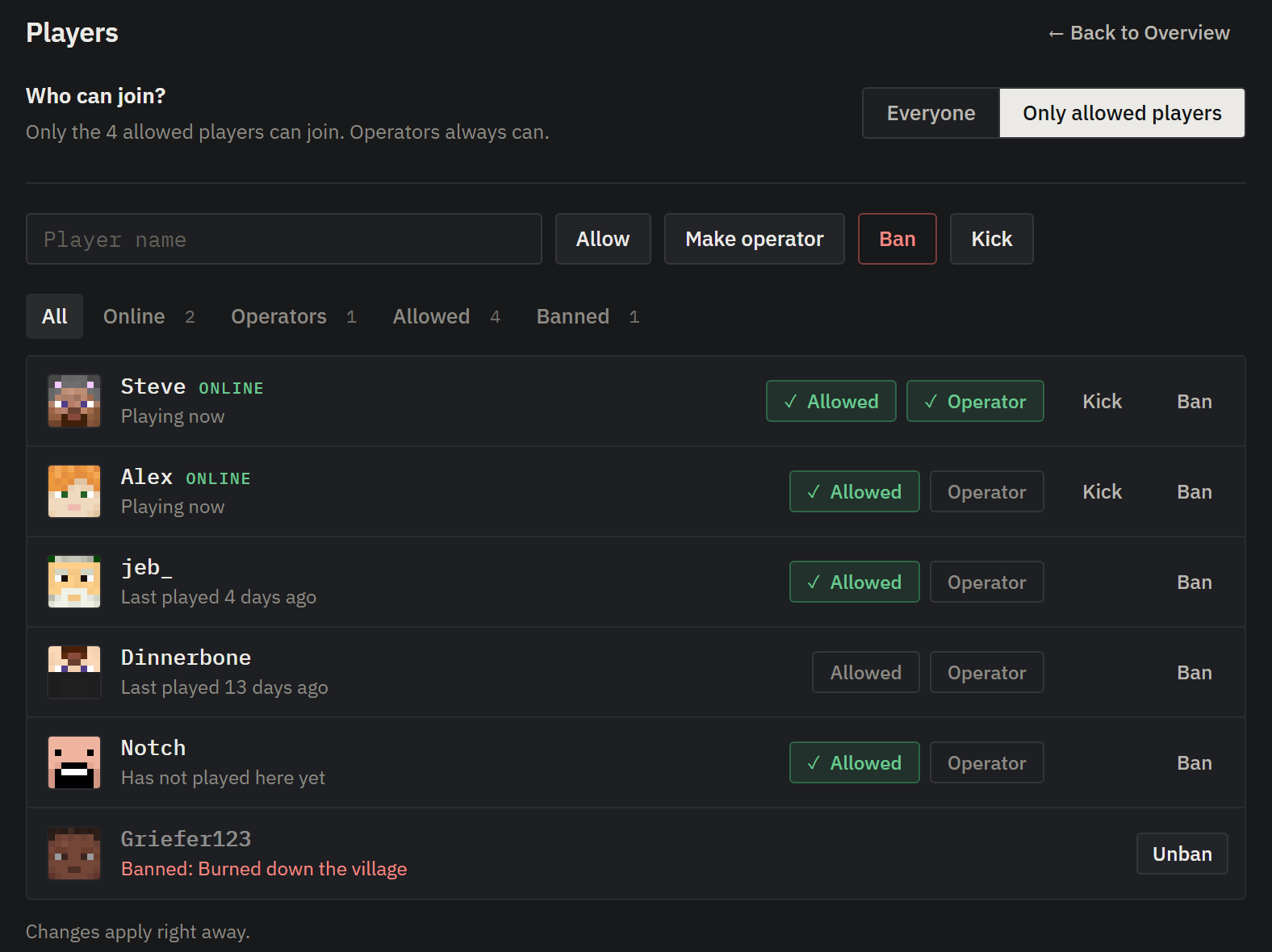
Your players, your rules.
See who is online and who played before. Allow, kick, ban or make someone an operator without typing a single command, and turn the whitelist on when you want it private.
Whitelist with one switch
Ban reasons shown to the player
Changes apply while the server runs
And the rest you would expect.
Templates, worlds, modpacksStart from a template, your singleplayer world, an Aternos download or a Modrinth modpack.
Mods and pluginsSearch Modrinth and install with a click. NetMC tells you which mods players need too.
Change software any timeSwitch platform or Minecraft version. Worlds are backed up first.
Daily backupsAutomatic copies of your worlds, restored with one click.
Scheduled tasksNightly restarts, announcements and backups at set times.
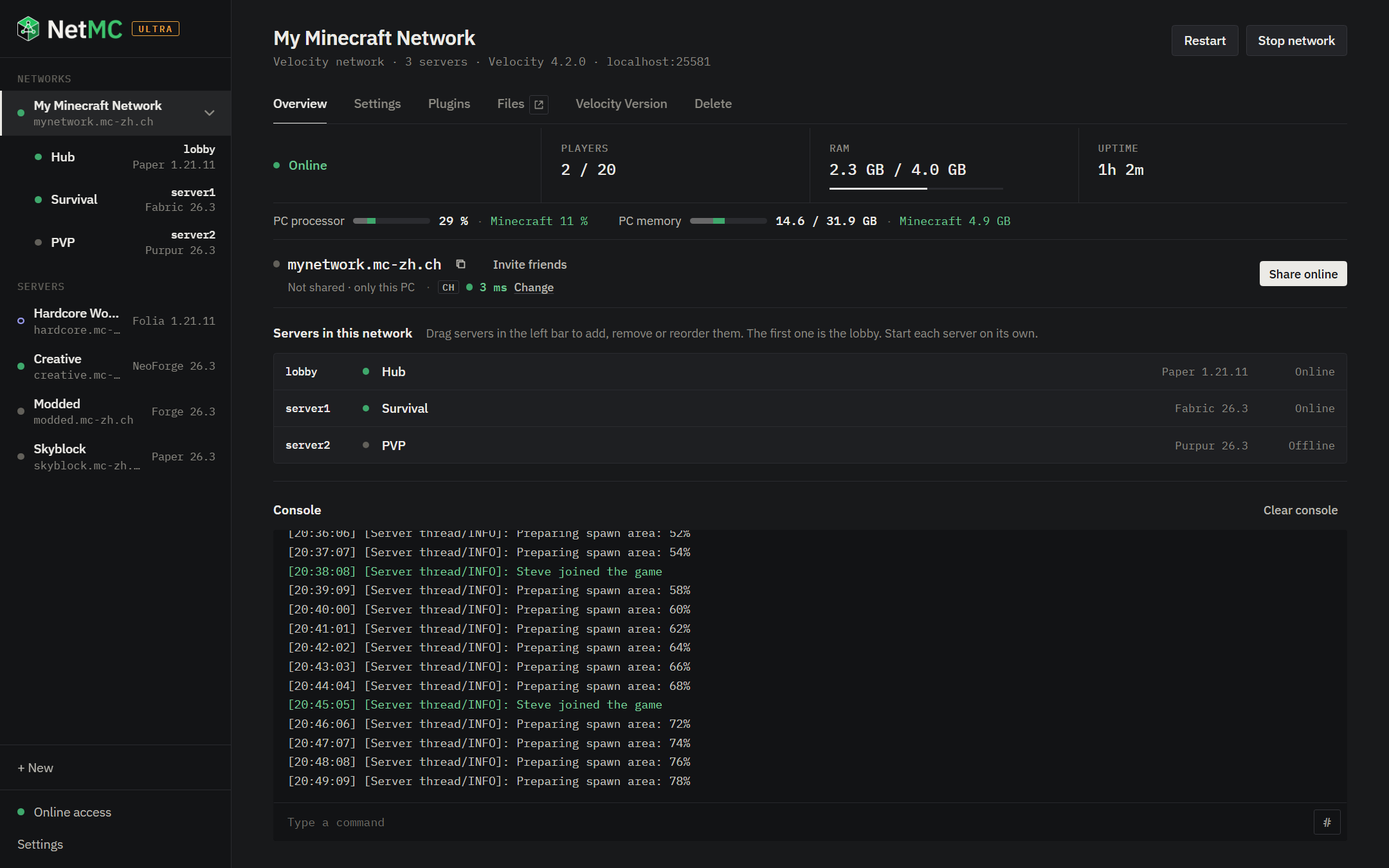
Velocity networksSeveral servers behind one address, with a lobby.
Discord messagesOnline, offline, joins and lag warnings in your channel.
Phone pageStart and stop your servers from your phone.
Java includedJava 8, 17, 21 and 25 ship with NetMC and are picked for you.
English and GermanThe app follows your Windows language.
From download to playing in a few minutes.
1
Download and install
Run the installer. No administrator rights, no Java to install.
2
Create a server
Pick a platform and version, a template or your own world, then press Start.
3
Share it
Press Share online and send your friends the invite. That is all.
Free to start.
Pro and Ultra are subscriptions, monthly or yearly. Upgrade when you need more, cancel any time.
Free
For trying it out with friends.
$0forever
No account needed
Vanilla servers
Up to 5 servers
A random address each, like lunar-fox-5028.netmc.org
Java included, no port forwarding
Pro
Recommended
For modded and plugin servers.
$9.99per year
$0.83 per month, billed yearly
Everything in Free
Paper, Purpur, Folia, Fabric, Forge and NeoForge
10 addresses of your choice on netmc.org
No server limit
Works on 1 PC
Ultra
For communities and networks.
$19.99per year
$1.67 per month, billed yearly
Everything in Pro
Works on 3 PCs
30 addresses of your choice
Velocity networks: several servers under one address
MySQL databases (coming soon)
New PC?
Check how many PCs use your key. If a PC is gone (new PC, reinstalled Windows), free the key from all PCs and activate it again.
Questions
Is NetMC free?
Yes. The Free plan costs nothing and needs no account: Vanilla servers with random addresses. Pro and Ultra are subscriptions, paid monthly or yearly, that unlock more. You can cancel anytime.
How does a license key work?
You get a key like NETMC-PRO-XXXXX-XXXXX-XXXXX. Paste it into NetMC under Online access and press Activate. The key is then bound to that PC (Pro: 1 PC, Ultra: 3). Keep it safe: it is your proof of purchase. To move it, remove it in the app, or free it below if the old PC is gone.
Windows says “Windows protected your PC”. Is that normal?
The installer is not code-signed yet, so SmartScreen warns about it. Click More info, then Run anyway. You can compare the file with the SHA-256 checksum at the bottom of this page to make sure it is the original.
Is my PC exposed to the internet?
No. NetMC only makes outgoing connections to the proxy. Players connect to the proxy, which forwards them through that connection, so your home IP is never shown and no ports are opened on your router.
What do I need?
A Windows 10 or 11 PC (64-bit) with enough memory for your server: 2 to 4 GB for the server is plenty for a few friends. Java is included.
Where are my worlds stored?
On your PC, in NetMC’s data folder. The Files tab of every server shows and edits its files, and NetMC backs up your worlds every day and before you change versions.